
Connect Any Service
Zero Integration Code
Build plugins that turn Slack, Stripe, PagerDuty, Jira, AWS, or any HTTP and gRPC API into native workflow activity nodes. Define events, collect structured input with form builders, and store credentials in an encrypted vault. Build once, reuse across every automation.
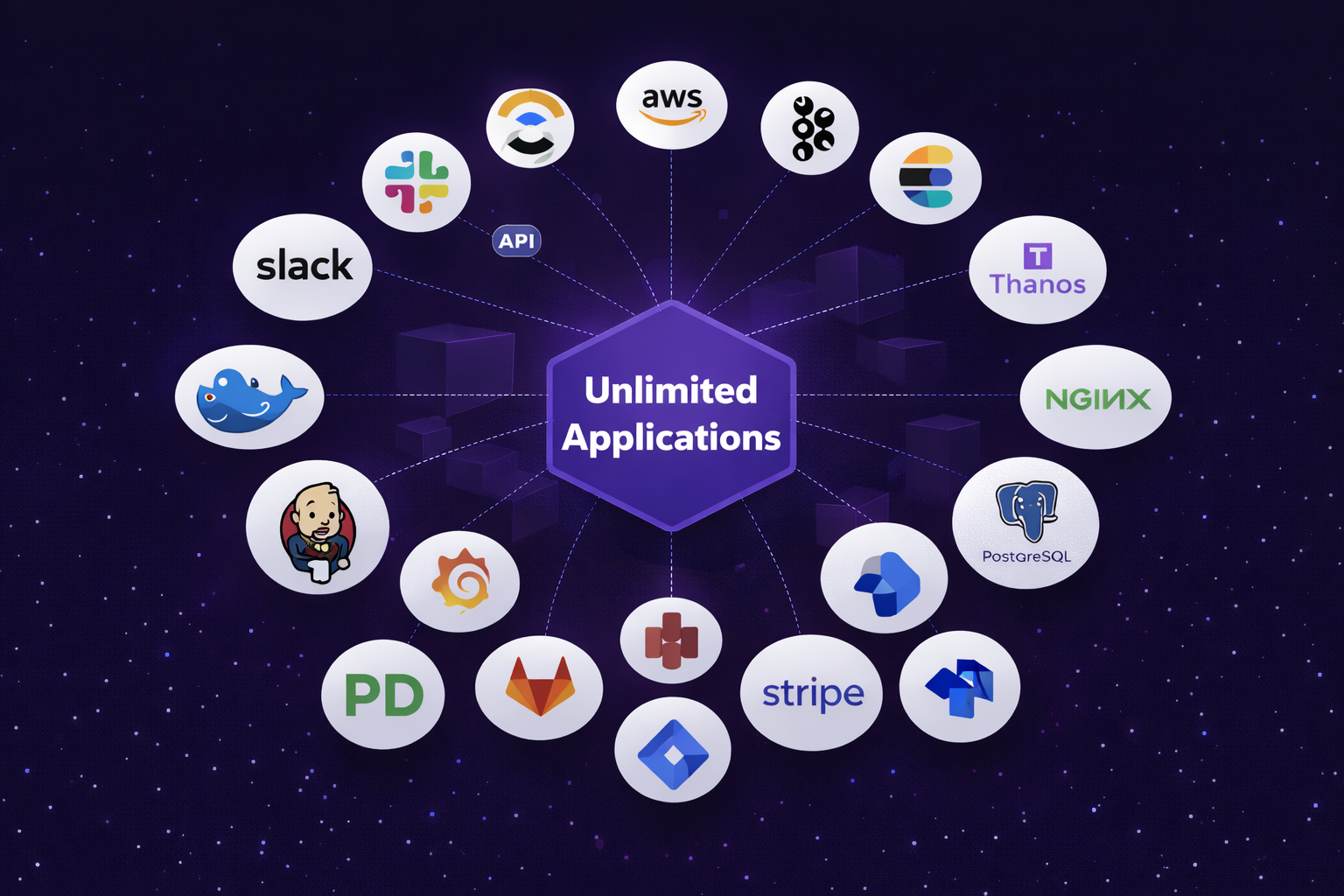
Turn Any API into a Workflow Activity Node
Connect Stripe, Slack, PagerDuty, or any HTTP and gRPC API. Define named events, map the payload structure, and configure authentication once. Your plugin becomes a drag-and-drop node available in every workflow across your team. No custom integration code.
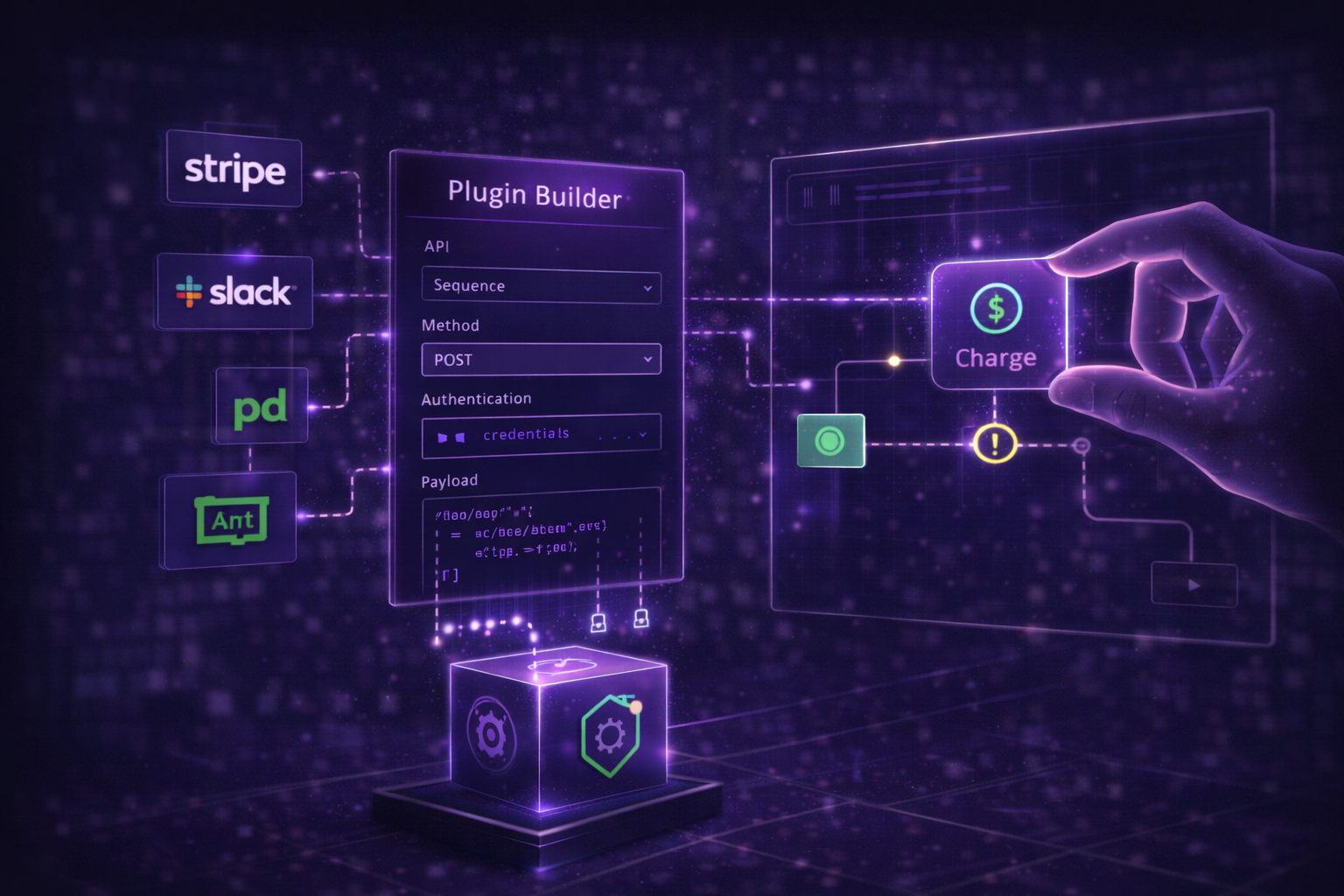
Structured Input for Every Event
Every plugin event gets its own form builder with text fields, dropdowns, toggles, and number inputs. When the event fires, form data becomes clean typed JSON passed directly into your workflow. No payload parsing, no transformation scripts. The workflow receives exactly the data it needs.
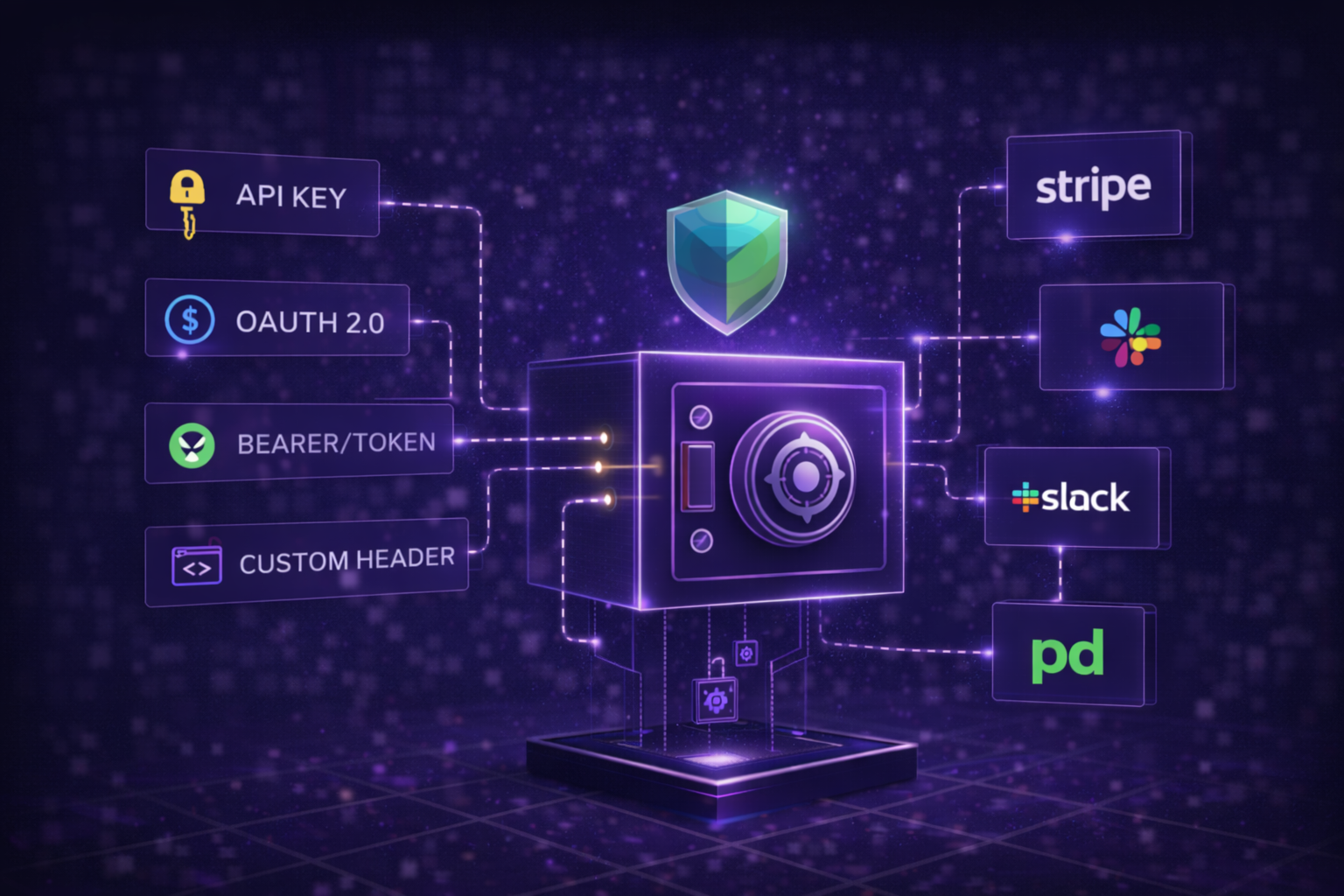
Store Once, Use Everywhere
API keys, OAuth tokens, and service credentials live in an encrypted vault. Every plugin pulls from the same store. When a credential rotates, update it once and every workflow picks up the change automatically. Supports API key, OAuth 2.0, bearer token, and custom header authentication.
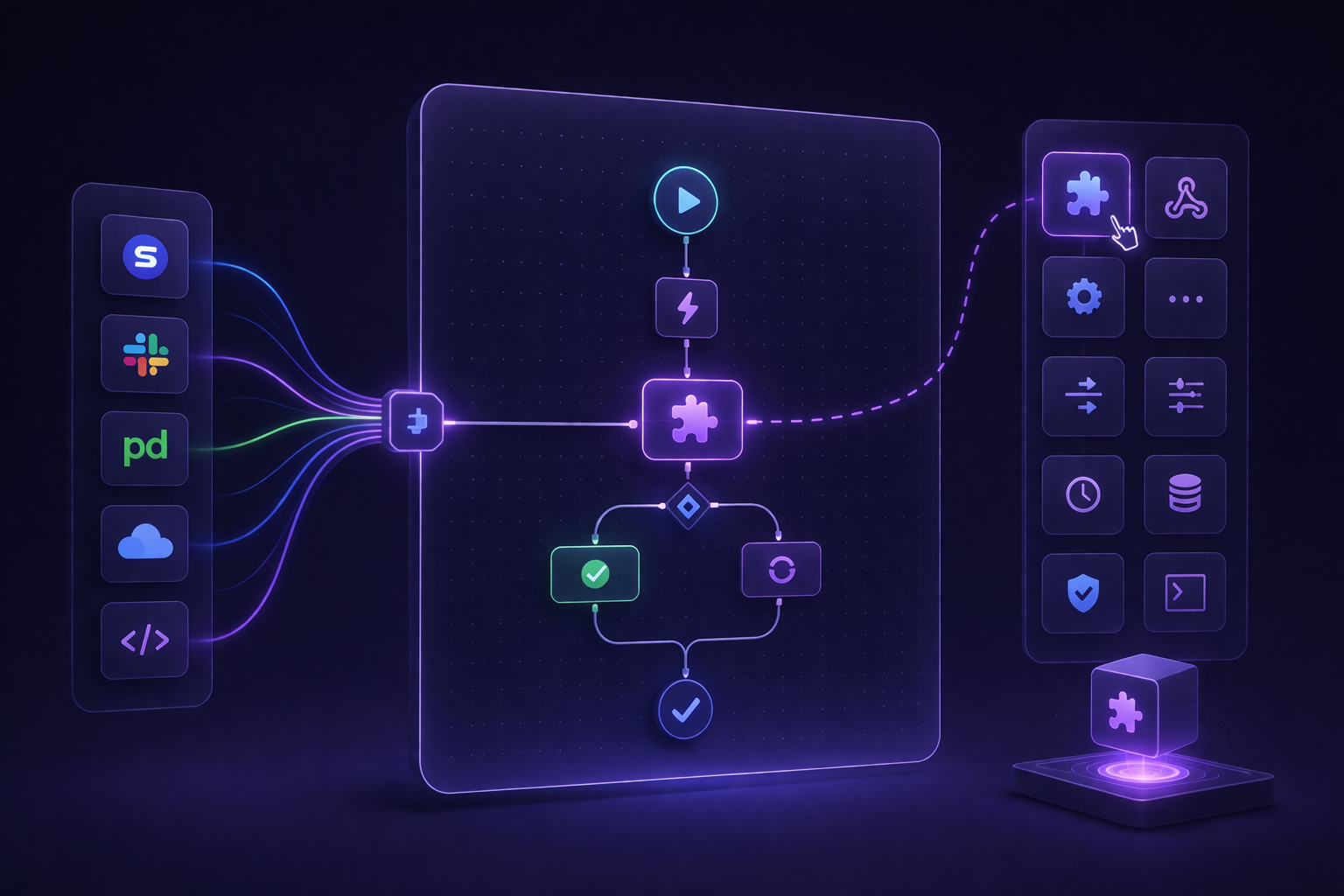
Build a Plugin in Four Steps
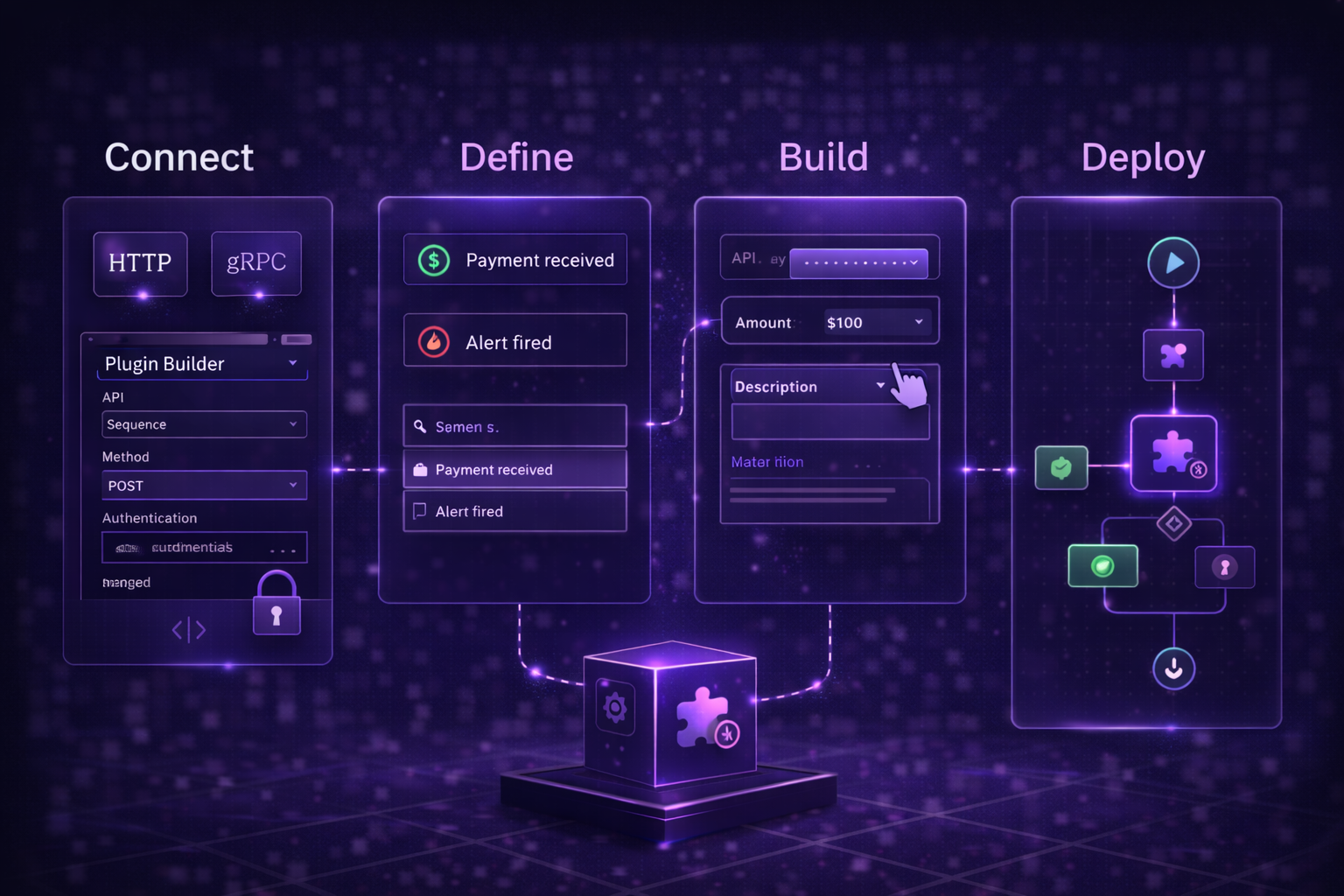
Connect any HTTP or gRPC endpoint and configure authentication. Define named events like Payment received or Alert fired. Build a form with the structured inputs your workflow needs. Deploy as a reusable activity node available across every automation.
Why Gripo Plugins
Connect services, define events, collect structured input, and automate your entire stack.
Any API, Zero Code
Connect Stripe, PagerDuty, Jira, Slack, or any HTTP and gRPC API as a native workflow node. No webhook handlers, no middleware.
HTTP + gRPCForm Builder Per Event
Define dropdowns, text fields, toggles, and numbers. Form output becomes structured JSON passed directly into your workflow.
Structured payloadsEvent-Driven Triggers
Named events like Payment received or Alert fired trigger workflows instantly via webhook, API polling, or schedule.
Real-time triggersBuild Once, Reuse Always
One plugin works across onboarding, billing, and reporting workflows. Same connection, same events, zero duplication.
Reusable components