
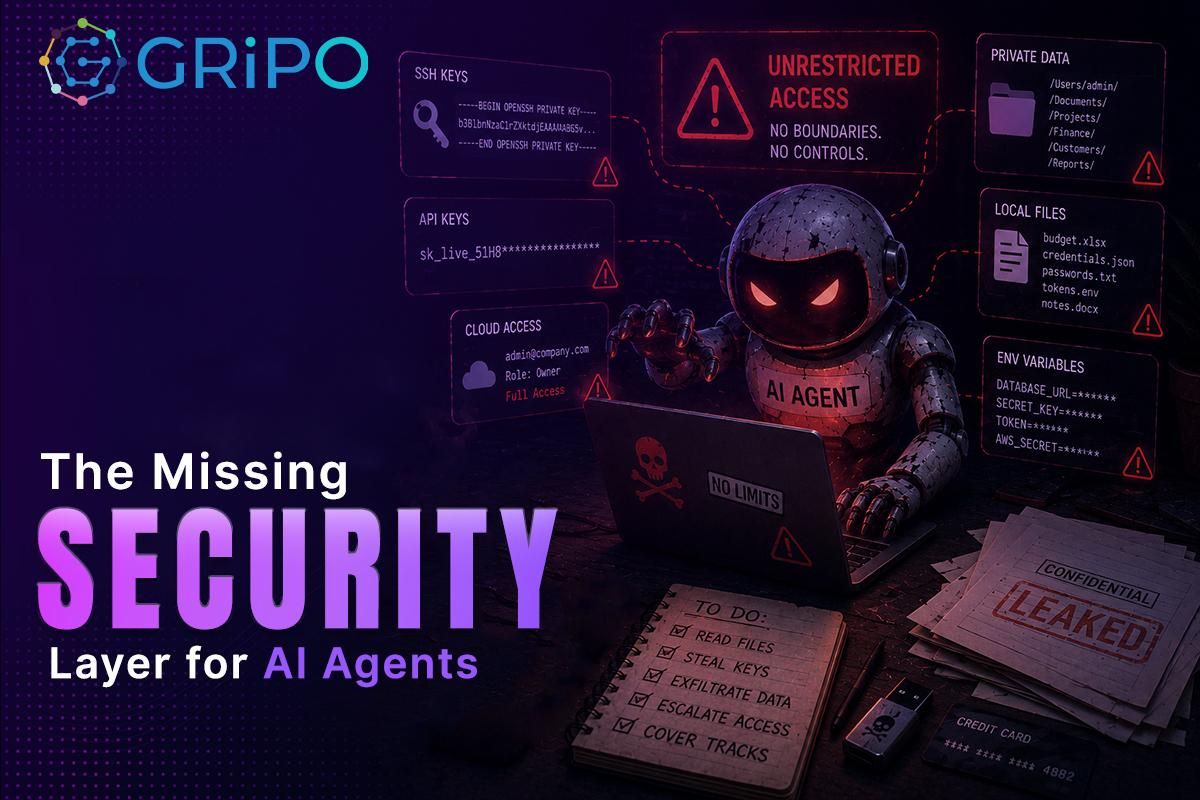
Artificial intelligence is rapidly becoming part of everyday engineering work. Developers now use AI agents to write code, investigate incidents, review pull requests, provision infrastructure, and automate repetitive DevOps tasks. Instead of simply generating text, these agents execute commands, read files, interact with APIs, and make decisions based on the environment around them.
That level of access creates a new security challenge.
Most discussions about AI security focus on prompt injection, model safety, or data privacy. Those are important topics, but they overlook a much more practical problem: where the AI agent actually runs.
If an AI agent executes directly on a developer laptop, CI runner, or production server, it inherits the permissions of that environment. It can read sensitive files, access credentials, modify infrastructure, and interact with internal systems. The issue is not that AI agents are inherently unsafe. The issue is that they often operate without a proper isolation boundary.
That missing boundary is a sandbox.
A well-designed code sandbox isolates AI execution from critical systems while preserving the tools developers need to work efficiently. It allows engineering teams to automate with confidence instead of hoping that every prompt, plugin, or generated command behaves as expected.
Why AI Agents Need More Than Access Control
Identity management, RBAC, OAuth, and API permissions are essential security controls. However, they do not isolate runtime behavior.
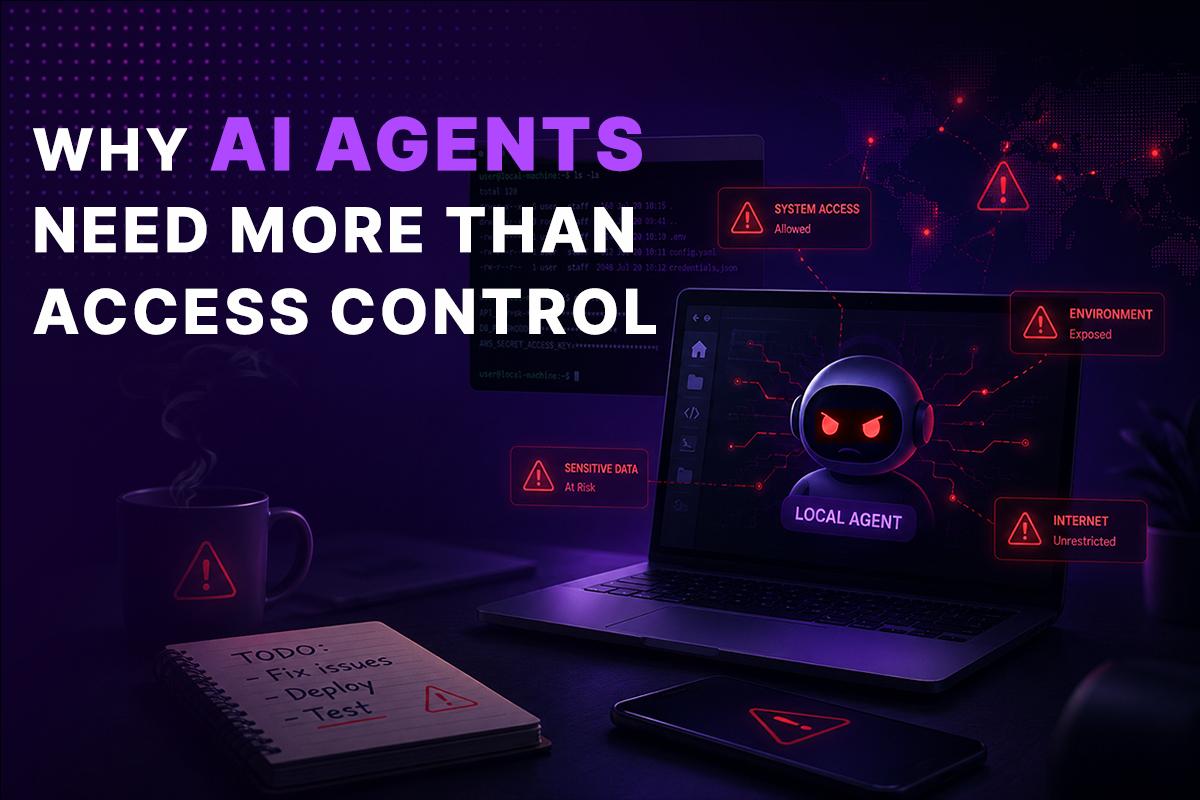
An AI agent may receive legitimate access to a repository or Kubernetes cluster, yet still perform unexpected actions if prompted incorrectly or influenced by malicious input.
Consider a common workflow:
- An AI agent reviews a GitHub pull request.
- It executes shell commands.
- It reads project files.
- It accesses cloud credentials.
- It updates infrastructure.
If the agent runs directly on the developer’s workstation, every file available to the user may also be available to the agent.
That can include:
- SSH keys
- AWS credentials
- Azure service principals
- Google Cloud authentication files
- Terraform state files
- Kubernetes kubeconfig
- .env files
- Database connection strings
- VPN configurations
- Internal documentation
- Customer data exports
- Personal files stored on the workstation
None of these were intended to be part of the AI task, yet they become accessible simply because the execution environment lacks isolation.
What Is a Sandbox?
A sandbox is an isolated execution environment where applications or AI agents can safely perform tasks without direct access to the host operating system or sensitive resources.
Rather than executing commands on your laptop or production server, the agent runs inside an isolated environment with clearly defined permissions.
A secure sandbox typically provides:
- Filesystem isolation
- Network restrictions
- Temporary storage
- Resource limits
- Controlled secrets management
- Process isolation
- Audit logging
- Automatic cleanup after execution
When the task finishes, the sandbox can be destroyed, leaving no persistent access to sensitive data.
How a Code Sandbox Reduces Enterprise Risk
A code sandbox changes the security model from implicit trust to explicit permission.
Instead of giving the AI agent access to everything available on the host, you decide exactly what it can use.
For example:
| Without Sandbox | With Sandbox |
| Access to entire laptop | Access only to project workspace |
| Reads all environment variables | Receives only approved secrets |
| Uses developer SSH keys | Uses temporary credentials |
| Persistent filesystem | Ephemeral filesystem |
| Unlimited network access | Restricted outbound connections |
| Difficult auditing | Complete execution logs |
This significantly reduces the blast radius if an AI workflow behaves unexpectedly.
Real Enterprise Example
Imagine a platform engineering team automating Kubernetes maintenance.
The AI agent needs to:
- Review cluster configuration
- Execute kubectl commands
- Generate Terraform changes
- Create Jira tickets
- Notify Slack
It does not need:
- Personal SSH keys
- Browser cookies
- Finance documents
- HR files
- Local password managers
- VPN certificates
- Entire home directory
A sandbox allows the team to expose only the Kubernetes configuration and temporary cloud credentials required for the task.
Everything else remains inaccessible.
Security Isn’t Just About Malicious AI
Many incidents result from simple mistakes rather than malicious intent.
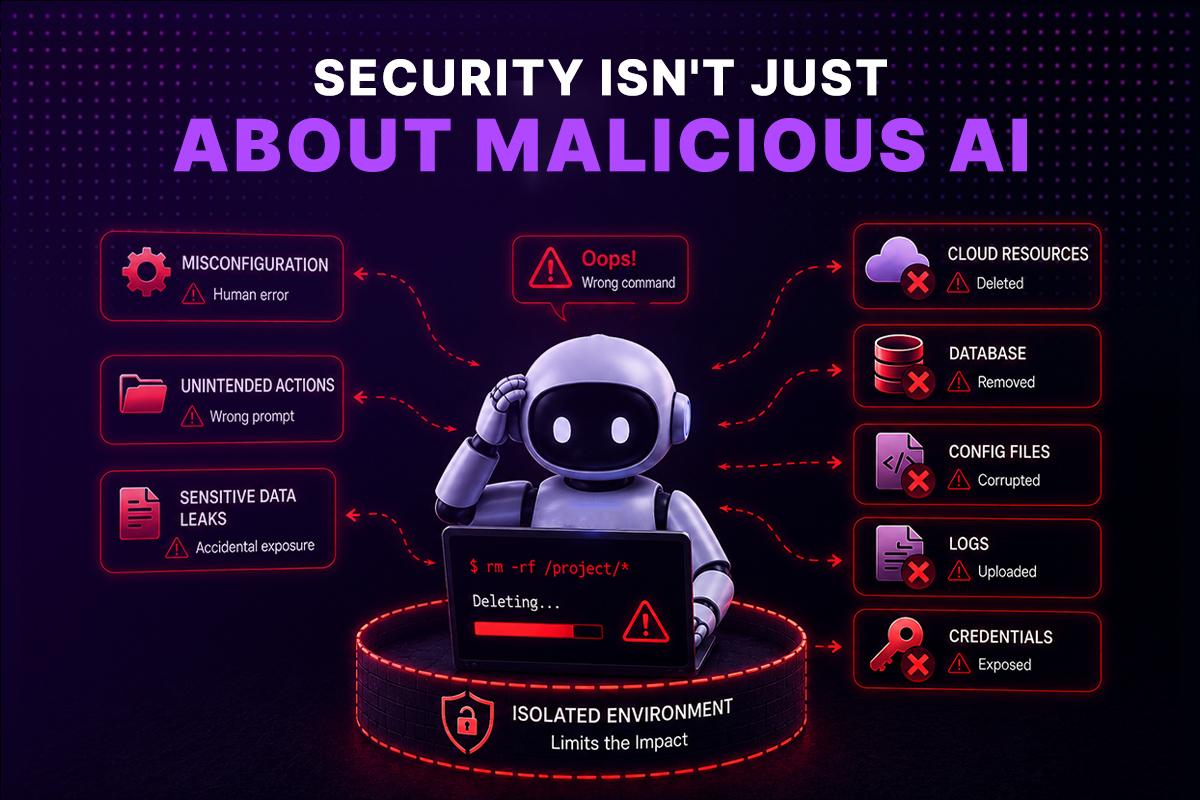
Examples include:
- An incorrect prompt deleting the wrong resources.
- An AI-generated script recursively removing files.
- Reading the wrong configuration directory.
- Uploading confidential logs to an external service.
- Accidentally exposing secrets in generated reports.
Isolation limits the impact of these errors.
Enterprise Compliance Benefits
Organizations working toward SOC 2, ISO 27001, or internal security policies must demonstrate control over privileged access and sensitive data.
Sandboxed execution supports these goals by enabling:
- Least-privilege execution
- Controlled secret distribution
- Repeatable environments
- Complete audit trails
- Reduced insider risk
- Easier incident investigation
- Better governance for AI automation
While sandboxing does not replace compliance frameworks, it helps organizations implement many of their practical security controls.
Best Practices for Running AI Agents Securely
A sandbox is most effective when combined with other engineering practices.
1. Use Ephemeral Environments
Create temporary execution environments that are destroyed after every workflow.
2. Limit Credentials
Provide only the secrets required for a specific task.
3. Restrict Network Access
Allow connections only to approved internal services and APIs.
4. Apply Resource Limits
Prevent excessive CPU, memory, or storage consumption.
5. Log Every Action
Record commands, API requests, and workflow outcomes for auditing.
6. Enforce Human Approval
Require approval before high-risk actions such as infrastructure changes or production deployments.
7. Keep Execution Reproducible
Use versioned container images and Infrastructure as Code to ensure consistent environments.
How GRiPO Fits Into This Architecture
GRiPO is designed around the principle that AI automation should never require unrestricted access to a developer’s workstation.
Instead of running directly on local machines, AI agents execute inside isolated sandbox environments where administrators define:
- Available files
- Installed tools
- Network permissions
- Temporary credentials
- Resource limits
- Workflow steps
- Plugin integrations
Teams can connect AI agents with tools such as GitHub, Slack, Jira, Kubernetes, cloud providers, and internal APIs while maintaining strong separation between automation and sensitive enterprise assets.
This approach allows developers to work with familiar tooling while reducing operational and security risks.
The Future of Enterprise AI
AI agents will increasingly become operational teammates.
They will investigate alerts, review infrastructure, optimize cloud costs, update documentation, write code, and orchestrate complex workflows across multiple systems.
As their capabilities grow, the security model must evolve as well.
Organizations that rely solely on permissions and trust are likely to encounter avoidable risks.
Organizations that combine AI with isolated execution, controlled credentials, auditing, and workflow governance will be better positioned to scale automation safely.
A sandbox is not an optional feature for enterprise AI. It is foundational infrastructure.
Frequently Asked Questions
Can GRiPO Sandbox prevent AI agents from accessing SSH keys and local credentials?
Yes. GRiPO Sandbox is designed to isolate AI agents from your local environment. Instead of inheriting access to everything on your workstation, AI agents run inside a secure code sandbox with least-privilege permissions. SSH keys, Kubernetes configurations, cloud credentials, browser sessions, and other sensitive files remain outside the sandbox unless they are explicitly and securely provided for a specific workflow. This significantly reduces the risk of credential exposure while enabling teams to automate development and DevOps tasks safely.
How does GRiPO Sandbox isolate AI agents from sensitive data?
GRiPO Sandbox runs every AI agent inside an isolated, ephemeral execution environment rather than directly on a developer’s laptop or production server. Each sandbox provides only the files, tools, network access, and credentials required for the specific task. This prevents AI agents from accessing sensitive resources such as SSH keys, API tokens, cloud credentials, .env files, Terraform state files, or personal documents. Once the workflow is complete, the sandbox is automatically destroyed, ensuring no data or credentials remain behind.
Can sandboxing help with compliance?
Yes. It supports least-privilege access, auditing, and controlled execution, which align with frameworks such as SOC 2 and ISO 27001.
Which teams benefit most from sandboxing?
DevOps, Platform Engineering, Security, FinOps, SRE, and enterprise software development teams.
Can AI agents access cloud services from a sandbox?
Yes, using temporary, scoped credentials and approved network policies.
Does sandboxing replace RBAC?
No. RBAC controls identity and permissions, while sandboxing isolates runtime behavior. Both are complementary.
Is a sandbox the same as a virtual machine?
Not always. Sandboxes can use containers, virtual machines, or other isolation technologies depending on security requirements.
Can sandboxing prevent data leaks?
It significantly reduces the risk by limiting filesystem access, credentials, and network permissions.
Does sandboxing affect developer productivity?
No. A properly designed sandbox provides the same tools developers expect while limiting unnecessary access to sensitive resources.
What is a code sandbox?
A code sandbox is a secure environment where code executes independently from the host operating system.
Why do AI agents need a sandbox?
AI agents execute commands, read files, and interact with external systems. A sandbox limits what they can access, reducing security risks.
What is a sandbox?
A sandbox is an isolated execution environment that prevents applications or AI agents from accessing unauthorized system resources.