
AI coding agents have quickly become part of modern software development. They generate code, explain unfamiliar projects, automate repetitive tasks, and even execute commands directly from your terminal. For many engineers, they’ve become another tool that sits alongside the IDE and command line.
That convenience also creates a dangerous assumption.
Many people believe an AI agent only sees the file they’re actively editing or the prompt they provide. In reality, most terminal-based AI agents operate with the same permissions as the user who launches them. If your account can access a file, the agent often can too.
That includes far more than source code.
A typical developer laptop contains cloud credentials, API tokens, SSH keys, infrastructure definitions, internal documentation, customer information, browser sessions, and years of downloaded files. An AI agent doesn’t automatically know which of these are sensitive. Unless its environment is intentionally restricted, it may inspect any location that helps it complete the task it has been given.
This isn’t a flaw in AI. It’s a consequence of how these tools work.
The better an agent understands your environment, the more effective it becomes. The challenge is giving it enough context to solve problems without granting unrestricted access to everything on your machine.
For individual developers, this can expose personal data or development credentials.
For enterprises, the impact can be much larger. A single workstation might contain production infrastructure access, customer records, deployment pipelines, or secrets shared across engineering teams. If an AI agent can freely browse those resources, the organization’s attack surface grows significantly.
The solution isn’t to stop using AI.
It’s to change where AI runs.
That’s why more engineering teams are moving toward a sandbox approach-isolated execution environments that allow AI agents to work productively without giving them unrestricted visibility into an entire workstation or corporate network.
In this guide, we’ll look at what AI agents can actually access, why local execution isn’t as safe as many assume, and how secure sandboxes help organizations adopt AI automation without compromising security.
What Happens When You Give an AI Agent Terminal Access?
Modern AI coding agents are much more capable than traditional code assistants.
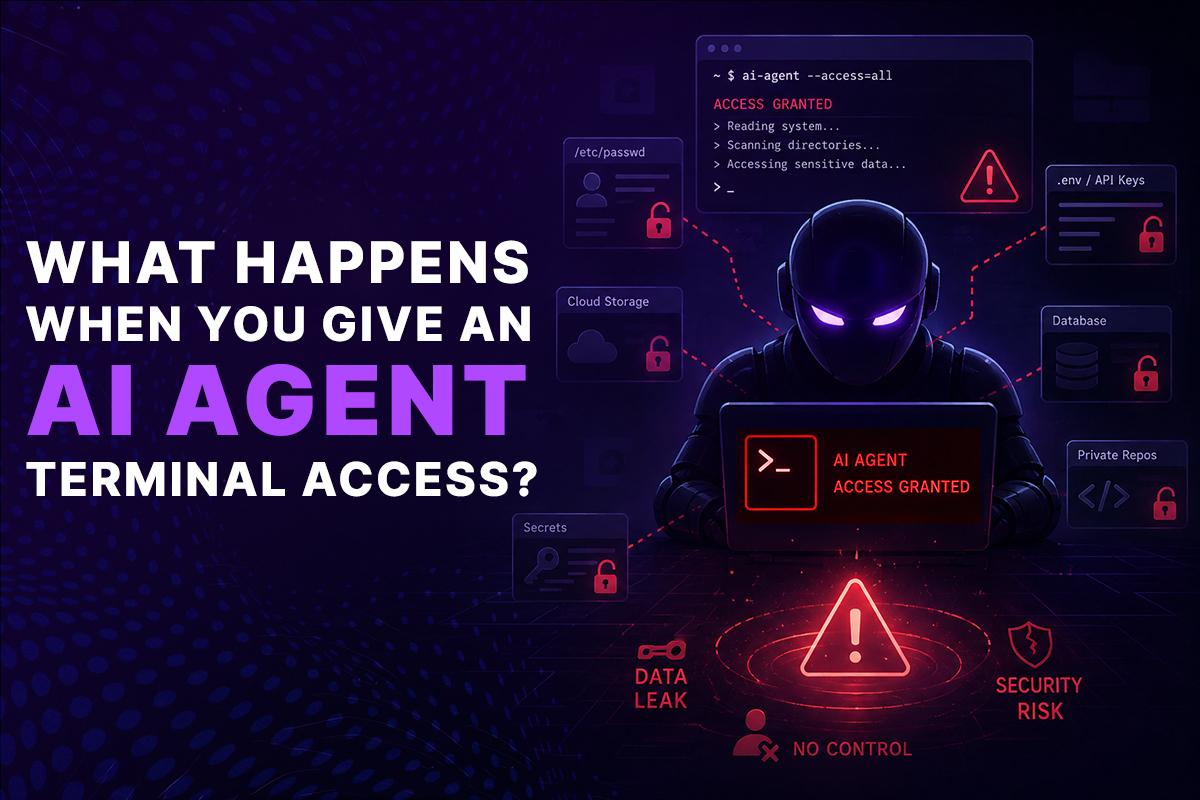
Instead of suggesting the next few lines of code, they can interact directly with your development environment. Many are designed to function like junior engineers that can inspect projects, run commands, edit files, and automate workflows.
Depending on the permissions you grant, an AI agent may be able to:
- Search an entire repository.
- Read hundreds of project files.
- Execute shell commands.
- Install packages and dependencies.
- Generate configuration files.
- Run tests.
- Build Docker images.
- Execute Terraform plans.
- Interact with Kubernetes clusters.
- Commit code changes.
- Open pull requests.
- Connect with external APIs.
These capabilities make AI incredibly useful for software development. Tasks that once required dozens of manual commands can now be completed from a single prompt.
Imagine asking an agent:
“Find the cause of the deployment failure, update the configuration, run the tests, and prepare a pull request.”
A capable AI agent may inspect multiple directories, review CI/CD configurations, compare deployment logs, execute validation scripts, edit configuration files, and prepare code changes before returning a response.
From a productivity standpoint, that’s impressive.
From a security standpoint, it means the agent isn’t working with a single file-it may be interacting with a significant portion of your development environment.
The important point is that AI agents don’t typically decide what is “private” versus “safe to inspect.” Their objective is to gather enough context to complete the task you’ve assigned. If the information they need exists somewhere your account can reach, they’ll often attempt to read it.
That’s why understanding an agent’s execution environment is just as important as evaluating the quality of its code generation.
A powerful AI agent should also operate within clearly defined boundaries. Without those boundaries, convenience can quickly become unnecessary risk.
The Hidden Data AI Agents Can Access
When people think about AI assistants, they usually imagine source code.
Source code is only a small part of what exists on a typical engineering workstation.
A development machine often becomes the central hub for infrastructure management, cloud administration, collaboration, and production operations. Over time, it accumulates credentials, configuration files, project archives, and sensitive business information from many different systems.
An unrestricted AI agent may be able to discover information such as:
Cloud Credentials
- AWS access keys
- Azure credentials
- Google Cloud service accounts
- IAM configuration files
These credentials may provide access to production infrastructure, storage buckets, databases, or deployment pipelines.
Development Secrets
Files like:
- .env
- .npmrc
- .pypirc
- Docker authentication files
- Git credentials
often contain API keys, tokens, and passwords that were never intended to leave the developer’s machine.
Infrastructure Configuration
Infrastructure as Code repositories frequently include:
- Terraform modules
- Kubernetes manifests
- Helm charts
- Docker Compose files
- CI/CD pipelines
Even when secrets are stored securely, these files reveal valuable information about an organization’s architecture, deployment strategy, networking, and operational processes.
Local SSH Keys
SSH keys can provide access to:
- Git repositories
- Linux servers
- Production environments
- Build systems
- Private infrastructure
Granting an AI unrestricted visibility into these files increases the potential impact of accidental exposure or misuse.
Internal Documentation
Many laptops contain:
- Architecture diagrams
- Incident reports
- Design documents
- Product roadmaps
- Customer proposals
- Meeting notes
While these aren’t credentials, they often contain confidential business information that organizations work hard to protect.
Personal Files
Developers also store personal documents alongside work projects:
- Financial records
- Tax documents
- Photos
- Downloads
- Password exports
- Browser profiles
An AI agent doesn’t inherently distinguish between personal and professional content unless its environment is intentionally isolated.
Why Running AI Agents Locally Doesn’t Mean You’re Safe
A common misconception is that running an AI agent on your own laptop is automatically safer than using a hosted service. After all, the code never leaves your machine-so what could go wrong?
The answer lies in understanding what “local” actually means.
When you launch a terminal-based AI agent, it typically inherits the permissions of the user account that started it. It doesn’t receive a restricted view of your project unless you intentionally create one. Instead, it operates within the same environment you use every day.
If you can access a file, chances are the AI agent can access it too.
For example, imagine you’re asking an AI agent to troubleshoot a failed deployment. To understand the issue, it may:
- Search your entire repository for deployment configurations.
- Read Kubernetes manifests.
- Inspect Terraform files.
- Look for environment variables.
- Open CI/CD pipeline definitions.
- Execute diagnostic commands.
- Review Git history.
- Search log files.
From the agent’s perspective, these actions are completely reasonable. They’re part of solving the problem you’ve assigned.
The issue is that those searches don’t stop at the exact files you had in mind. They often extend to anything your operating system allows the process to read.
That could include infrastructure credentials, internal documentation, archived projects, or even unrelated repositories stored on the same machine.
The AI isn’t acting maliciously-it simply lacks the context to know which files should remain untouched.
This is why local execution should never be confused with isolation.
A local machine is designed for human productivity, not for enforcing strict security boundaries around autonomous software.
AI Agents Follow Instructions-Sometimes Too Well
Modern AI agents are designed to complete objectives, not question whether every instruction is appropriate.
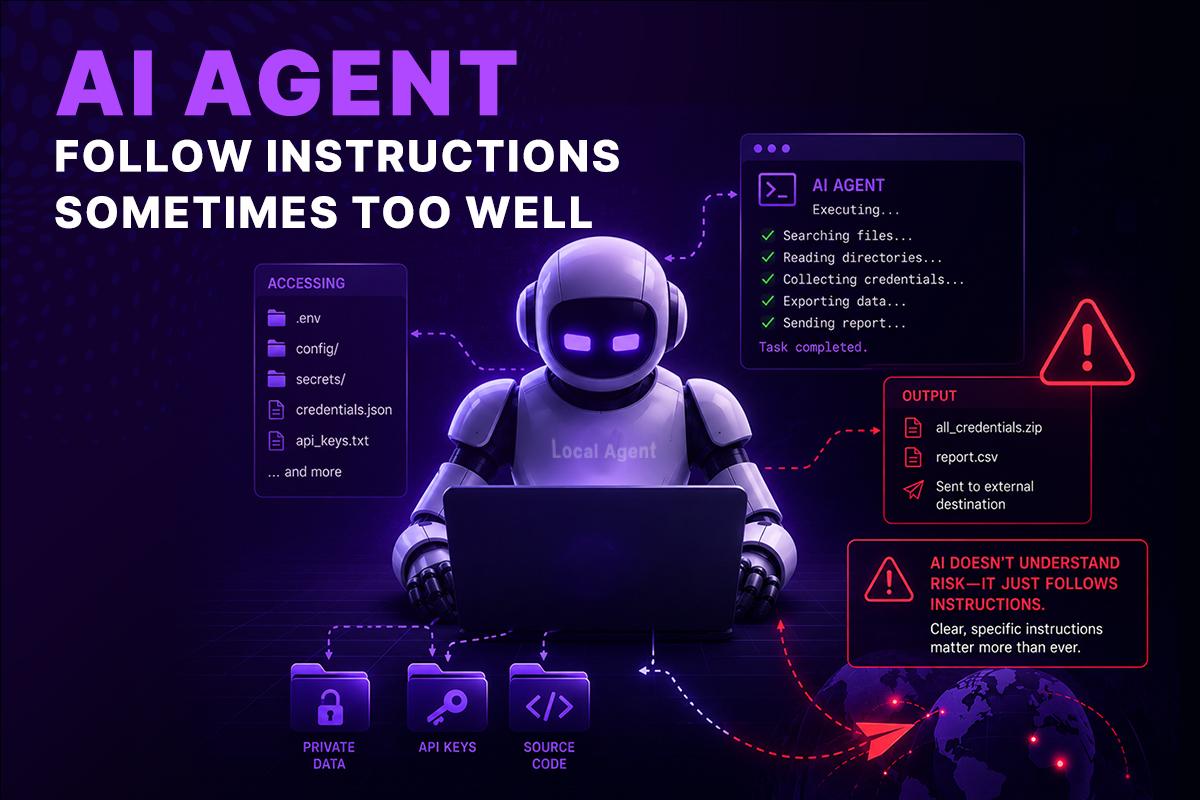
If you ask an agent to “find the deployment issue,” it may search dozens of directories before identifying the root cause. That’s exactly what makes these tools valuable.
But there is a trade-off.
The broader an AI agent’s access, the more opportunities it has to encounter information that wasn’t intended to be part of the task.
For example, while investigating a deployment failure, an agent might discover:
- Old configuration backups.
- Infrastructure documentation.
- Database connection strings.
- API credentials stored in legacy files.
- Archived project directories.
- Internal engineering notes.
None of these files were the original target.
Yet they become visible simply because the agent has permission to inspect them.
The same applies to automation.
An AI agent asked to update a CI/CD pipeline might also:
- Modify multiple repositories.
- Regenerate configuration files.
- Install new dependencies.
- Execute shell scripts.
- Replace package versions.
- Trigger additional automation.
These actions aren’t inherently dangerous.
They’re only risky when performed without appropriate boundaries, approvals, or visibility.
The more capable AI becomes, the more important those boundaries become.
Prompt Injection Is Only One Piece of the Security Puzzle
Prompt injection has received significant attention in recent years, and for good reason. A malicious instruction hidden in a README file, documentation page, or repository could influence how an AI agent behaves.
However, focusing only on prompt injection overlooks several other practical risks engineering teams face every day.
Excessive Permissions
Many AI agents run with unrestricted access to the developer’s environment. If the agent can read your home directory, cloud credentials, or SSH keys, the potential impact of mistakes increases dramatically.
Sensitive Secrets
Developers often keep temporary credentials in configuration files or environment variables for convenience. These secrets may remain on a laptop long after they are no longer needed.
An unrestricted AI agent doesn’t know which credentials are active, expired, or confidential-it simply sees files it has permission to access.
Third-Party Tools and Plugins
Many AI workflows integrate with GitHub, Slack, Jira, cloud providers, monitoring platforms, and internal APIs.
Each integration expands the agent’s capabilities, but it also increases the importance of proper authentication, permission management, and auditing.
Human Error
Not every security incident begins with malicious intent.
Sometimes the biggest risk is a simple prompt:
“Clean up everything that looks unused.”
Without safeguards, an AI agent may interpret that instruction more broadly than expected, removing files, modifying configurations, or deleting resources that still matter.
Automation should reduce operational risk-not introduce new uncertainty.
What a Sandbox Actually Does
A sandbox creates a controlled execution environment where an AI agent can perform its work without gaining unrestricted access to the host machine.
Think of it as giving the AI its own isolated workspace instead of the keys to your entire laptop.
Inside a sandbox, the agent only sees the resources intentionally provided to it.
Everything else remains out of reach.
A well-designed code sandbox typically provides several layers of isolation.
Filesystem Isolation
Instead of browsing your complete file system, the AI receives access only to the project or workspace required for the current task.
Your personal documents, unrelated repositories, downloaded files, browser profiles, and local credentials remain outside the execution environment.
Temporary Workspaces
Most sandbox environments are disposable.
Once the task is complete, the environment can be destroyed along with any temporary files, downloaded dependencies, or generated artifacts.
Each execution begins with a clean state, making results more predictable and reducing the risk of leftover data affecting future tasks.
Network Controls
Not every AI task requires unrestricted internet access.
Sandbox environments can define exactly which services an AI agent is allowed to communicate with.
For example:
- GitHub
- Internal package registries
- Kubernetes API
- Artifact repositories
- Cloud storage
- Approved APIs
Everything else can be blocked by policy.
Resource Limits
AI agents occasionally execute unexpected commands or inefficient workloads.
A sandbox can enforce limits on:
- CPU usage
- Memory
- Storage
- Network bandwidth
- Execution time
These safeguards prevent runaway processes from affecting other workloads or consuming unnecessary infrastructure resources.
Secure Secret Management
Instead of exposing credentials directly through local files, enterprise sandbox environments retrieve only the secrets required for a specific task.
This significantly reduces credential sprawl while improving auditability and access control.
A Code Sandbox Improves More Than Security
Security is often the first reason teams adopt sandboxed execution, but it isn’t the only benefit.
In many organizations, the operational advantages become just as valuable over time.
Consistent Development Environments
Anyone who has worked across multiple projects has encountered the classic problem:
“It works on my machine.”
Different dependency versions, operating systems, shell configurations, and local tools frequently produce inconsistent results.
Running AI agents inside standardized sandbox environments eliminates much of this variability.
Every execution starts from a known, reproducible configuration.
Parallel Task Execution
Instead of running one AI task at a time on a developer’s laptop, multiple isolated sandboxes can execute simultaneously.
One environment can analyze code while another runs tests, and a third validates infrastructure changes.
This reduces waiting time and allows engineering teams to automate more complex workflows without resource conflicts.
Safer Experimentation
Engineers constantly test new libraries, frameworks, and automation ideas.
Sandbox environments make experimentation much safer because failed attempts disappear when the environment is destroyed.
There’s no need to worry about polluting a local workstation or accidentally breaking an existing setup.
Easier Onboarding
New engineers spend less time configuring local machines when projects already define standardized execution environments.
Instead of documenting dozens of setup steps, teams can provide consistent sandbox configurations that work the same way for everyone.
Beyond a Sandbox: Secure AI Automation at Enterprise Scale
A sandbox solves one of the biggest challenges of running AI agents: isolation.
It creates a controlled environment where an agent can safely analyze code, execute commands, and complete tasks without unrestricted access to your laptop or production environment.
But as organizations begin using AI for more than individual coding tasks, a new challenge emerges.
How do you securely automate entire engineering processes, not just a single AI session?
Modern engineering teams don’t rely on one tool. A typical deployment or operational workflow might involve GitHub, Kubernetes, Terraform, AWS, Slack, Jira, Datadog, internal APIs, and several AI agents working together.
Running each task in an isolated sandbox is a great start, but isolation alone doesn’t create an automation platform.
What organizations really need is a way to connect secure execution environments into reliable, observable workflows.
That’s where the next evolution of AI automation begins.
A Sandbox Should Feel Like Your Local Machine
One reason some developers hesitate to use sandboxed environments is the fear that they’ll lose the flexibility of working locally.
Nobody wants to spend time copying files, configuring remote servers, or learning an entirely new development workflow just to use an AI agent.
A well-designed sandbox shouldn’t feel restrictive.
It should feel familiar.
Developers should be able to clone repositories, install dependencies, run Docker containers, execute Python scripts, use Git, compile applications, interact with Kubernetes, or work with Terraform exactly as they would on their own workstation.
The difference isn’t the experience-it’s the boundary.
Instead of exposing your personal laptop, cloud credentials, browser sessions, and unrelated projects, the AI operates inside an isolated environment that contains only what it needs for the task.
From the developer’s perspective, the workflow remains almost identical.
From the organization’s perspective, the security model is completely different.
That balance is essential for enterprise adoption. Security measures that slow developers down are often bypassed. Secure environments that preserve the existing developer experience are far more likely to become part of everyday engineering workflows.
Isolation Is Only the First Step
Most sandbox solutions focus on answering one question:
How do we isolate an AI agent?
That’s an important problem to solve, but enterprise automation introduces another question:
How do multiple AI agents work together without sacrificing that isolation?
Consider a typical software delivery process.
A single feature may require:
- Reviewing code quality.
- Running unit and integration tests.
- Performing security scans.
- Building application artifacts.
- Validating infrastructure changes.
- Deploying to staging.
- Requesting approvals.
- Deploying to production.
Trying to complete all of these tasks inside one long-running environment creates unnecessary complexity.
Instead, each stage can execute inside its own isolated sandbox, purpose-built for that responsibility.
For example:
- Sandbox A reviews code and suggests improvements.
- Sandbox B runs automated tests.
- Sandbox C performs dependency and security scanning.
- Sandbox D validates Terraform changes.
- Sandbox E builds deployment artifacts.
- Sandbox F verifies production readiness.
Each sandbox remains completely isolated from the others.
Only the required outputs-such as reports, test results, or build artifacts-move through the workflow.
This approach significantly reduces risk while making automation easier to scale and maintain.
If one environment fails, the others continue independently. Teams can retry only the failed stage instead of restarting the entire process, making workflows more resilient and efficient.
Workflow Automation Connects Secure Building Blocks
This is where workflow automation becomes far more valuable than individual AI sessions.
Instead of asking an AI agent to solve an isolated problem, organizations can design repeatable processes where every action is visible, auditable, and controlled.
A typical workflow might look like this:
Developer Pushes Code
│
▼
GitHub Trigger
│
▼
AI Agent Reviews Changes
│
▼
Secure Code Sandbox
│
▼
Run Tests & Security Scans
│
▼
Terraform Validation
│
▼
Slack Approval
│
▼
Deploy to Kubernetes
│
▼
Notify Engineering Team
Notice that the AI agent isn’t operating independently.
It’s one step in a larger workflow, where every action has clear inputs, outputs, and approval points.
This provides several advantages:
- Standardized execution across teams.
- Built-in audit trails.
- Reduced manual intervention.
- Better collaboration between engineering and security.
- Easier troubleshooting when something goes wrong.
- Repeatable automation that behaves consistently.
Rather than relying on prompts that change from one engineer to another, organizations can define workflows once and reuse them across projects.
AI Agents Become More Valuable When They Have Defined Responsibilities
One of the biggest mistakes teams make is treating a single AI agent as the solution to every problem.
In practice, specialized agents often produce better outcomes.
For example:
- A code review agent focuses on quality and maintainability.
- A DevOps agent validates infrastructure changes.
- A security agent performs vulnerability and compliance checks.
- A FinOps agent analyzes cloud spending.
- A documentation agent generates release notes and technical documentation.
Each agent operates inside an isolated sandbox with only the permissions required for its specific task.
This follows the same principle used in cloud security: least privilege.
Instead of granting one AI unrestricted access to every system, organizations create smaller, purpose-built agents that collaborate through workflows.
This improves security, simplifies governance, and makes automation easier to understand and maintain.
Why Enterprise Teams Need More Than AI
As AI adoption grows, engineering leaders face challenges that go beyond code generation.
They need answers to questions like:
- Who approved this deployment?
- Which AI agent executed the command?
- What files were accessed?
- Which credentials were used?
- Can we reproduce the execution?
- Can we audit every action?
- Can we enforce approval policies?
- Can we revoke access instantly?
These aren’t AI questions.
They’re governance questions.
Enterprise platforms must combine AI capabilities with operational controls such as:
- Role-Based Access Control (RBAC)
- Secret management
- Audit logging
- Approval workflows
- Policy enforcement
- Version-controlled automation
- Execution history
- Compliance reporting
Without these controls, scaling AI across an organization becomes difficult regardless of how capable the underlying models are.
How GRiPO Extends the Sandbox Into an Automation Platform
GRiPO takes the concept of a sandbox further than simply isolating code execution.
Instead of treating a sandbox as a standalone environment, GRiPO makes it a building block within a broader automation ecosystem.
An AI agent can run inside an isolated sandbox, complete its task, and securely pass only the required output to the next stage of a workflow. That output might trigger another sandbox, invoke a plugin, or hand control to a different AI agent with a completely separate responsibility.
For example:
- A GitHub pull request starts a workflow.
- An AI agent reviews the proposed code inside a secure sandbox.
- A second sandbox runs unit and integration tests.
- Another sandbox validates Terraform and Kubernetes configurations.
- Security scan results are sent to Slack for approval.
- Once approved, deployment automation continues.
Throughout the process:
- Each sandbox remains isolated.
- Credentials are scoped to individual tasks.
- Outputs move through the workflow-not unrestricted filesystem access.
- Every action can be logged and audited.
- Multiple AI agents collaborate without sharing full environments.
This architecture allows organizations to scale AI automation while maintaining clear operational boundaries.
Security Without Sacrificing Developer Productivity
Developers adopt tools that help them ship software faster.
Security teams adopt controls that reduce organizational risk.
The challenge has always been finding a balance between the two.
Sandboxed execution provides that balance by allowing developers to work with AI using familiar tools and workflows while giving security teams confidence that execution remains isolated, auditable, and policy-driven.
Instead of choosing between productivity and protection, engineering teams can build automation that supports both.
As AI agents become responsible for increasingly complex operational tasks, that balance will become one of the defining characteristics of successful engineering organizations.
Looking Ahead
AI agents will continue to grow more capable. They’ll analyze larger codebases, automate infrastructure changes, coordinate deployments, and assist with production operations.
That increased capability also increases responsibility.
Organizations that succeed with AI won’t be the ones giving agents unrestricted access to every system. They’ll be the ones building secure execution environments, defining clear workflows, limiting permissions, and creating automation that engineers can trust.
A sandbox is where that journey begins.
The next step is connecting those secure environments into intelligent, observable workflows that allow AI agents, engineers, and enterprise systems to work together safely.
That’s the future of enterprise AI automation-and it’s the problem GRiPO is designed to solve.
What is an AI agent sandbox?
An AI agent sandbox is an isolated execution environment where an AI agent can run code, execute commands, and access only the files, tools, and resources explicitly provided to it.
Can an AI agent access files outside my project?
Yes. If the agent runs locally with your user permissions, it may be able to access other files your account can reach, including credentials, SSH keys, configuration files, and personal documents.
Why is running an AI agent locally not automatically secure?
Local execution does not necessarily provide isolation. An AI agent typically inherits the permissions of the user who launches it, which can give it access to much more than the intended project.
What sensitive information can AI coding agents access?
Depending on permissions, agents may encounter cloud credentials, API tokens, SSH keys, environment files, infrastructure configurations, internal documentation, customer information, and personal files.
How does a code sandbox protect sensitive files?
A sandbox provides filesystem isolation so the agent can access only the project or workspace required for its task. Personal files, unrelated repositories, browser profiles, and local credentials remain outside the sandbox.
Can AI agents run commands inside a sandbox?
Yes. A properly configured sandbox can allow agents to run shell commands, install dependencies, execute tests, build applications, and work with tools such as Docker, Terraform, and Kubernetes while keeping execution isolated.
Does sandboxing affect the developer experience?
It doesn’t have to. A well-designed sandbox can provide familiar development capabilities such as Git, Docker, Python, Terraform, Kubernetes, and dependency installation while maintaining an isolated execution boundary.
Can multiple AI agents work together securely?
Yes. Different agents can run in separate sandboxes for tasks such as code review, testing, security scanning, and infrastructure validation. Only the required outputs need to move between workflow stages.
How does GRiPO use sandboxes for AI automation?
GRiPO uses sandboxes as building blocks within broader workflows. An agent can perform a task inside an isolated environment and securely pass the required output to another sandbox, plugin, or AI agent without sharing its entire environment.
Why do enterprises need sandboxed AI agents?
Enterprises need controlled execution, least-privilege access, secret management, audit logging, approval workflows, and policy enforcement as AI agents begin handling infrastructure, deployments, security, and other operational tasks.